
If you ever want to play Pinochle or Cutthroat Pinochle with one or more friends, you can create a custom table and send them a code to join and play with you online. You can play with friends using either our mobile app or playing online on the web. You don’t have to have enough players to fill the table. Following instructions below, you can add bots to fill any empty seats at the table.
1. Launch the Pinochle or Cutthroat Pinochle app on your mobile device or login to Pinochle.net and Browse Tables to choose which type of Pinochle you want to play.

2. Click the New Game Button, and then click on Play Online.
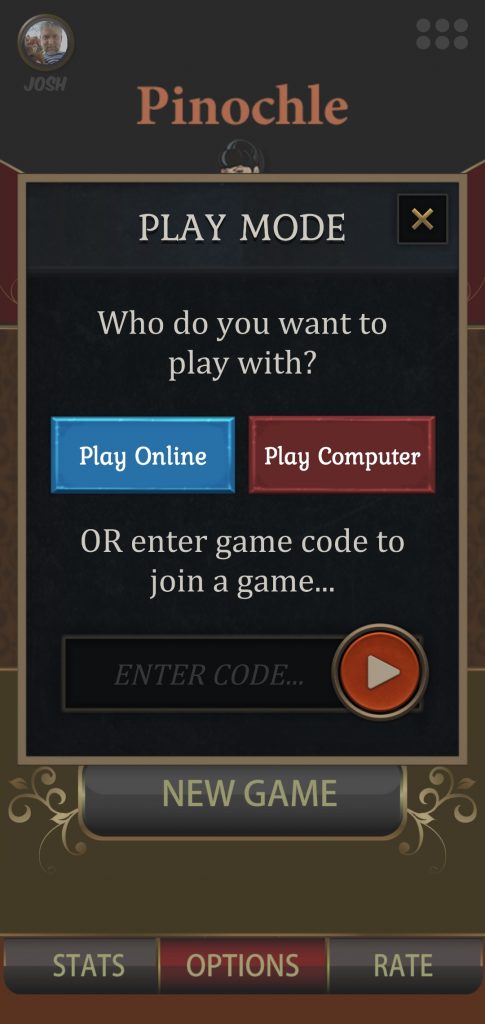
3. Click on the Invite Friends button at the bottom of the screen.
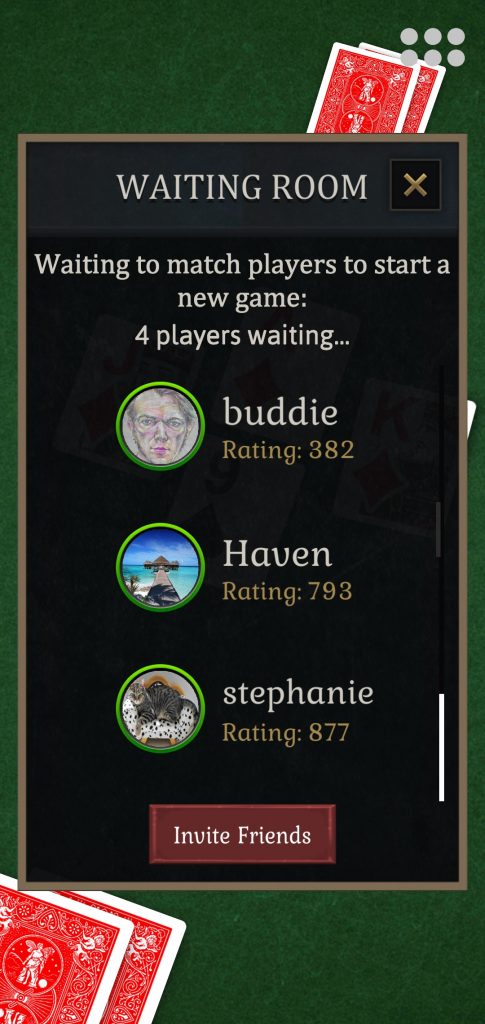
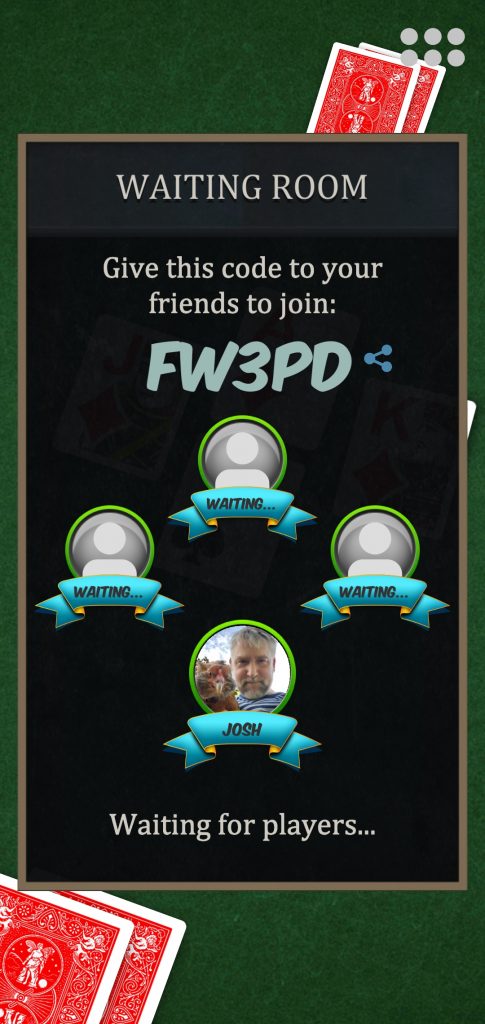
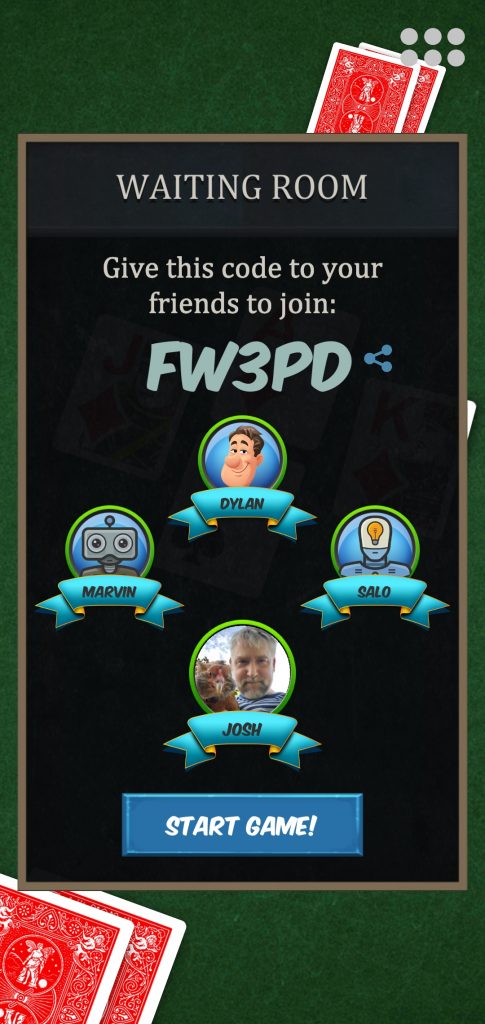
4. Note the 5-character game code generated on the following screen. Share this code with other players you want to invite to join.
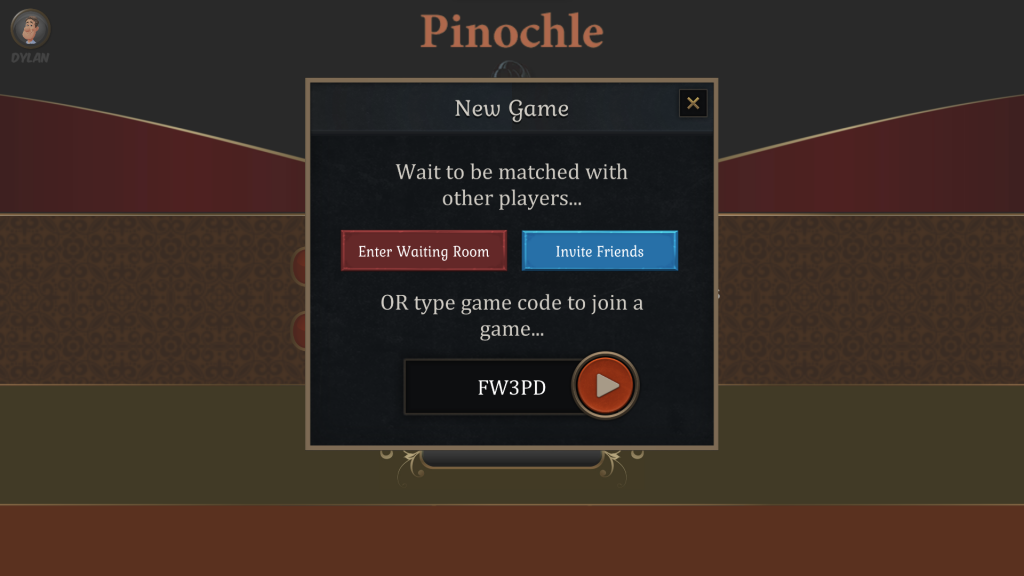
5. Ask your friend or friends to launch the app or login to the website and click on the New Game button. On the following screen they will enter the 5-character game code and click the Join button.
6. After your friend enters the game code you will see them in the waiting room. By default, the first player to join will be your partner. Click on their avatar if you want to change this.
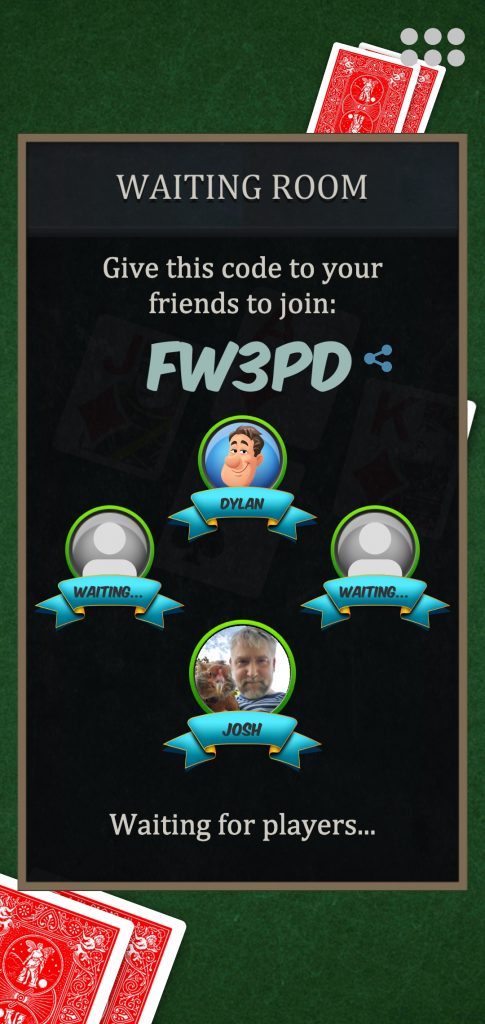
7. If you don’t have enough players to fill all seats, click on one of the empty avatars and click the Add Bot button.
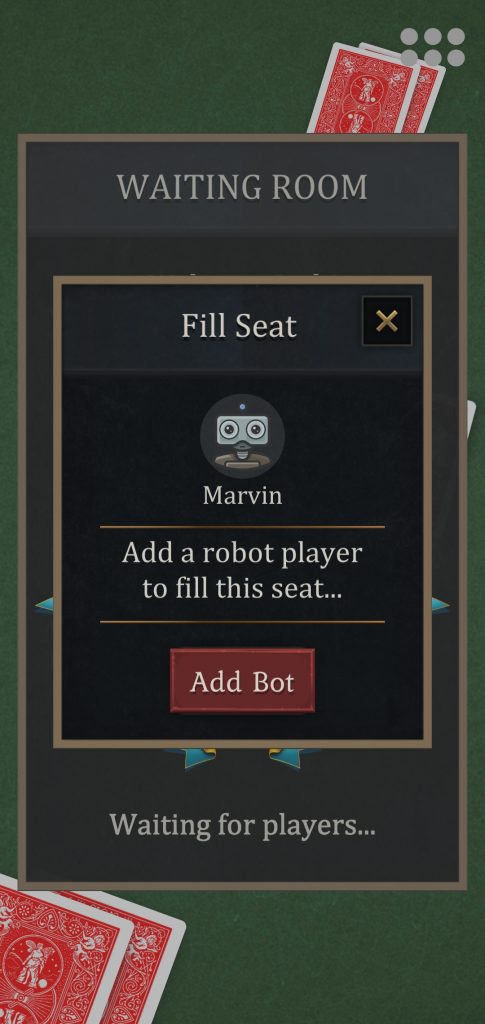
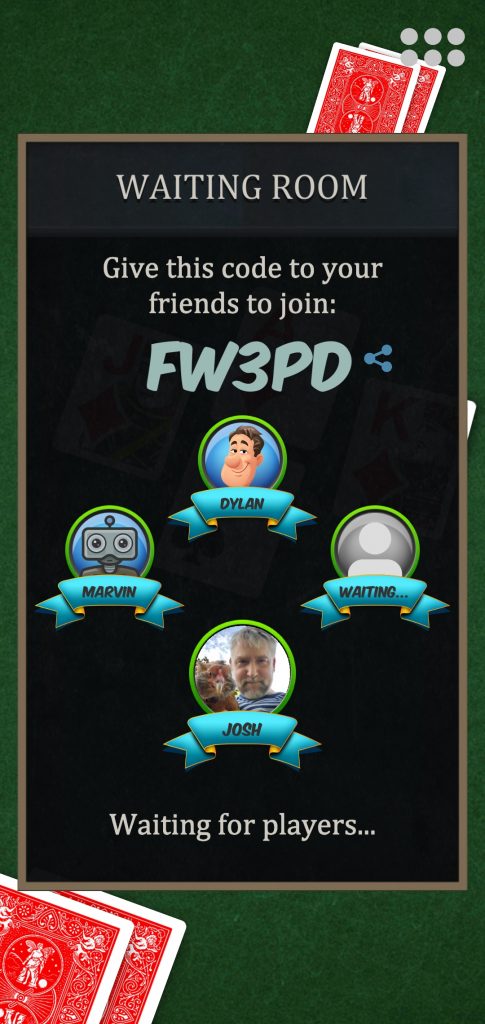
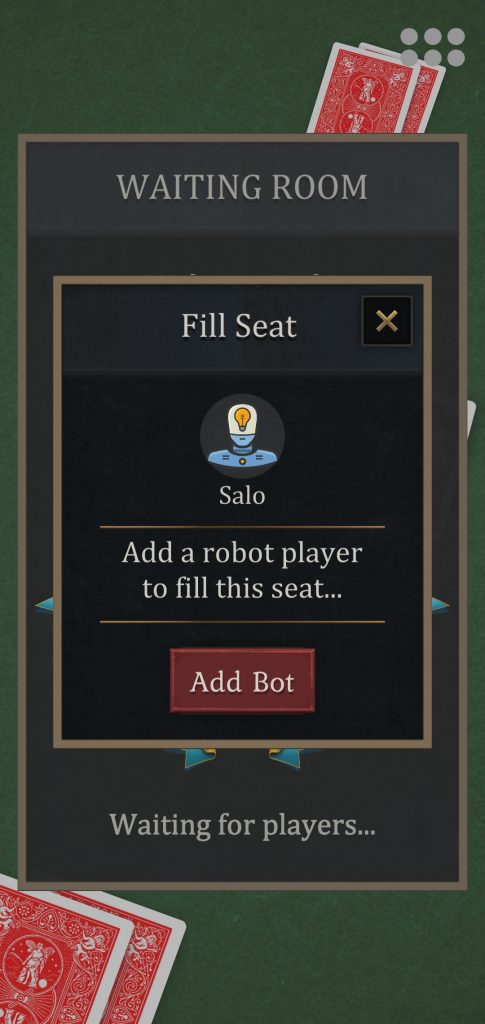
8. Once all seats are filled the Start Game button appears. Press the Start Game button to start the game.
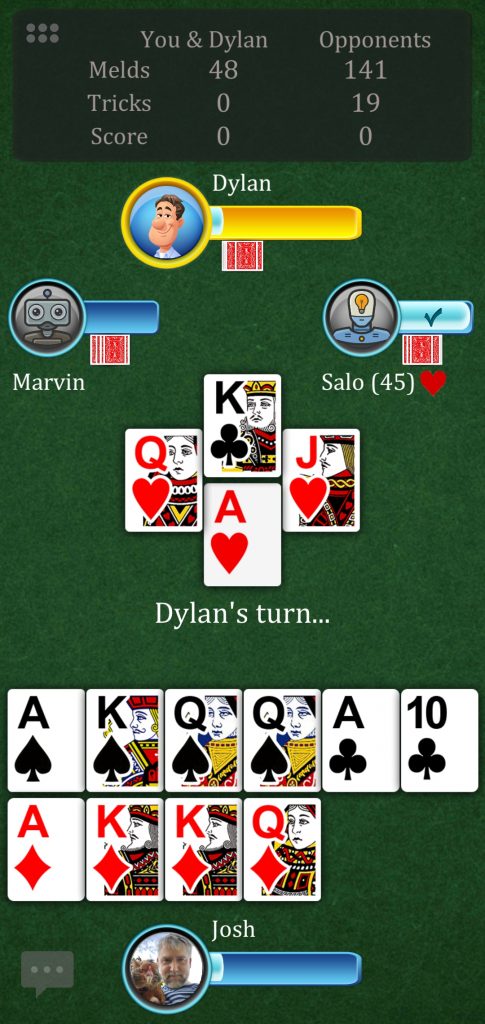
9. The game begins. Enjoy playing Pinochle with your friends.
Note: when using the mobile app, table settings will default to the settings of the player who creates the game code. If you are using the web version, a settings screen will appear before you create the game code to choose custom table settings.




























































































Leave a Reply